Invoice Data Extraction to Excel, CSV and JSON
Send us your PDF, scanned or photographed invoices and get back structured rows: vendor, invoice number, dates, line items, tax and totals, ready for your accounting or ERP import.
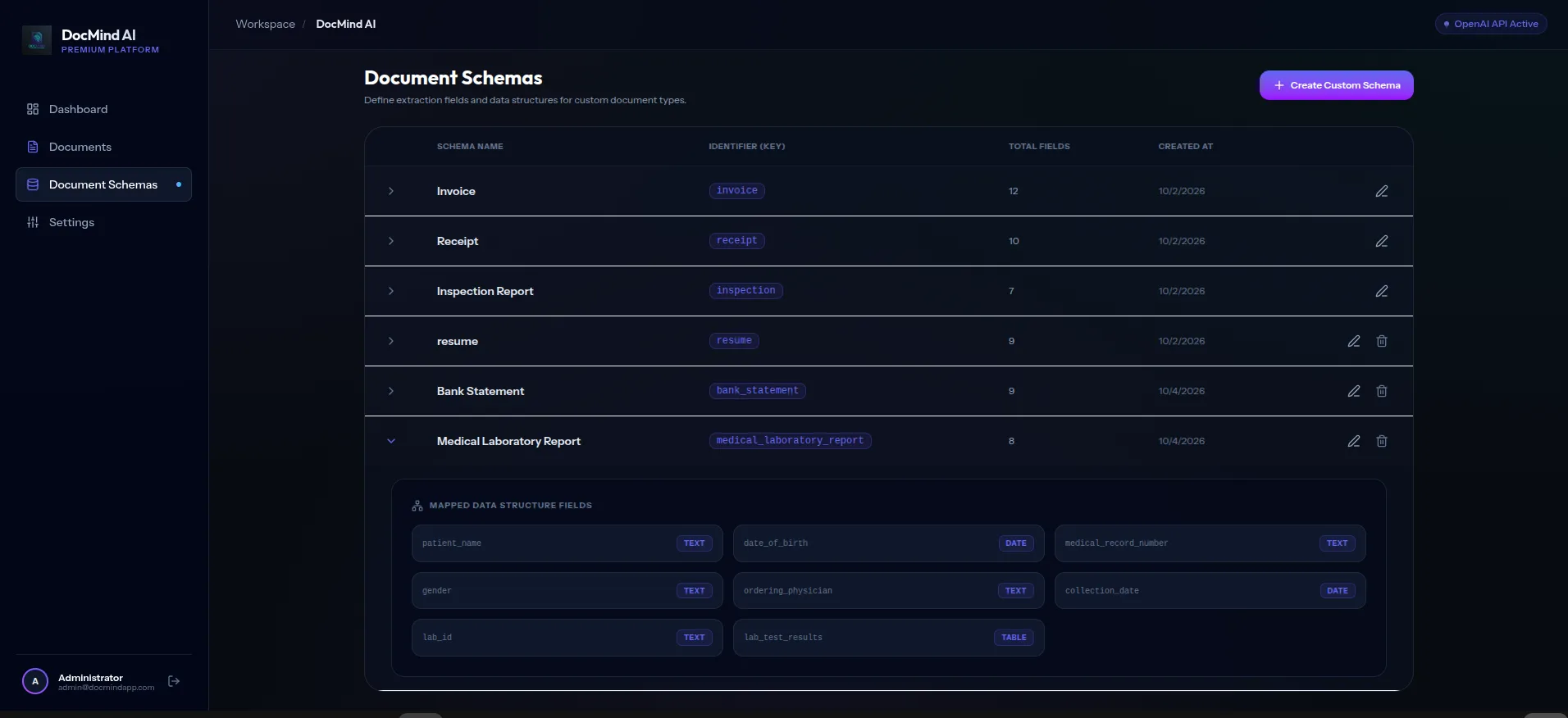
Fields we extract
- Vendor and customer details
- Invoice number and dates
- Line items, quantities and unit prices
- Tax, discounts and totals
- Currency and payment terms
Need other fields? We build a custom schema for your documents.
Any layout
No templates to build. The AI reads each vendor's layout, including scans and phone photos.
Checked before delivery
Low-confidence or invalid values are flagged and reviewed before you receive the file.
Your format
Excel, CSV or JSON, with the column names and order your system expects.
Frequently asked questions
Can you extract invoice line items?
Yes. Each line item is returned as its own row with description, quantity, unit price and amount.
Which file types work?
PDF, PNG, JPG and WEBP, including scans and phone photos. Free samples are limited to one file up to 10 MB.
Where do my invoices go?
Invoices are sent to OpenAI via the API for extraction. OpenAI API data may be retained in abuse-monitoring logs for up to 30 days per its policy, and your documents are handled according to our data-processing practices.
Processing route and retention for each option: document privacy.
Send one document and see the result
Free sample, returned within 24 hours. Or ask about a private system on your own server.
Request a Free Sample